
PrototipPCB — Electronics Design & Engineering Tools
 PrototipPCB
Take your electronics
one step further.
Get help with PCB design, discover tools that save time, and find hardware for your next project.
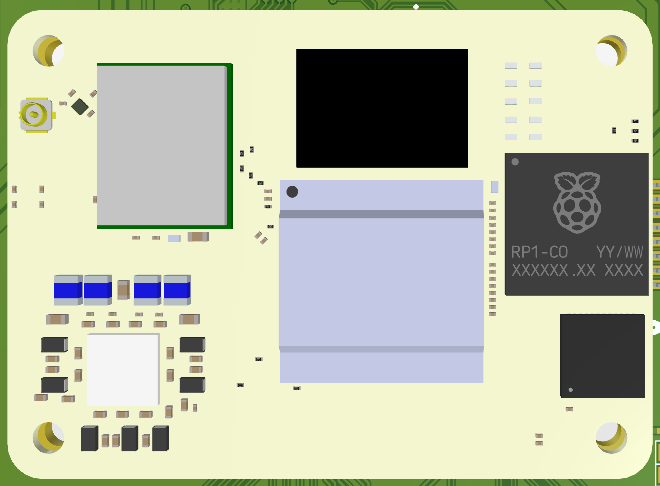
What do you need?
Tell us about your idea. We will define the right scope together.
PCB design
Schematic design, component selection and PCB layout prepared for manufacturing.
Discuss my project →Prototyping & production support
Manufacturing files, component sourcing and engineering support for your prototype.
Discuss my project →Software & consulting
Embedded software, communication interfaces and reviews of existing circuits.
Discuss my project →Let tools handle
the repetitive work.
Phoenix Net Generator helps you create net labels for the pins of a selected component in Altium Designer.
How it works
Select a component in your Altium schematic. Load its pins into the tool, choose the pins you need and set a naming prefix. Place the labels and optionally add connection wires of equal length.
Before you start
This helper script runs inside Altium Designer. The download and release links will be added before launch.
Illustrative net names · Not a screenshot of the tool.
Hardware for your project.
Explore the existing catalogue. Product details currently open in Turkish.
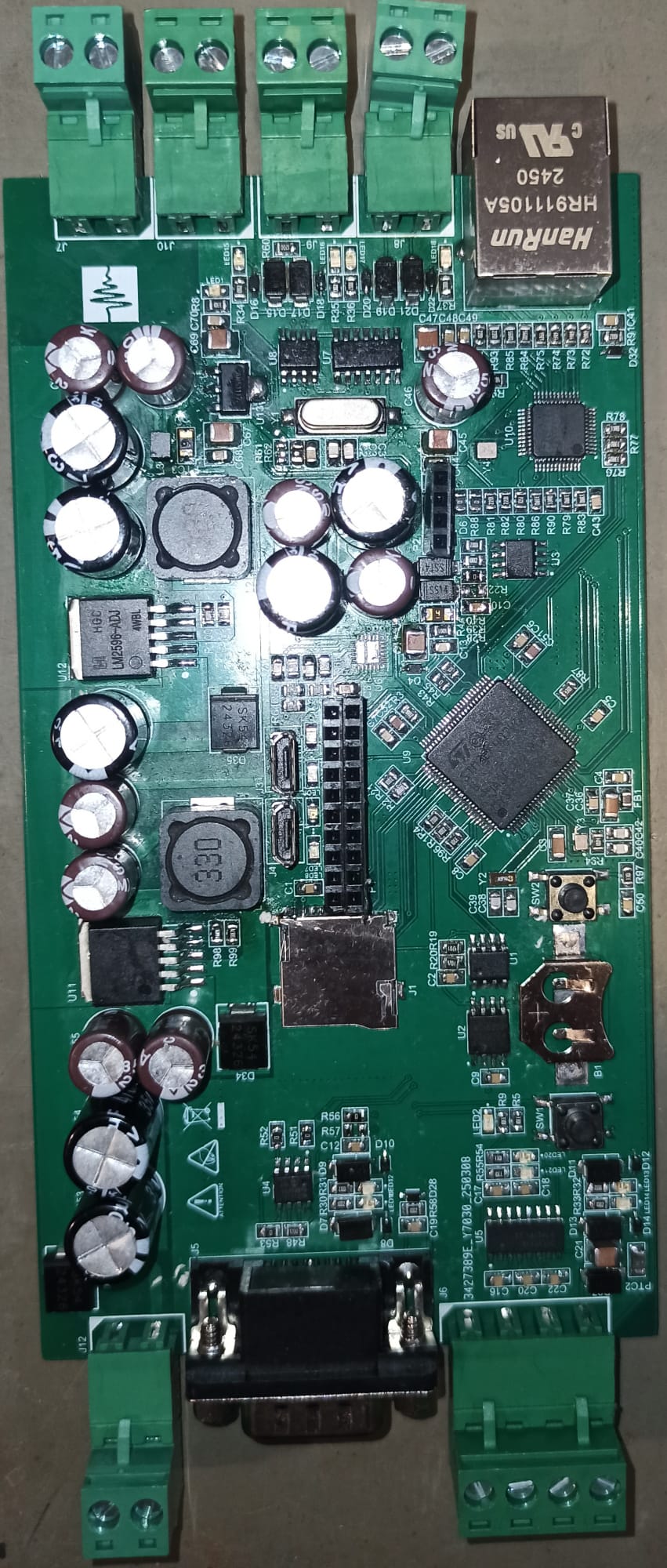
Communication & control board
Explore this microcontroller-based board for communication and control projects.
View details (TR) →PCB design & testing service
Review the scope of circuit design, testing and measurement support.
View details (TR) →Experience worth sharing.
Notes from the design desk
Explore our articles on electronics design and development tools.
How we work
From the first idea to delivery, with a clear process at every step.
Share your idea
Describe your project or the issue with your current circuit.
Define the scope
Agree on the work, deliverables and timeline.
Develop the design
Move forward with the agreed engineering scope.
Delivery & support
Receive your project files and usage information.
You have an idea.
Let’s build on it.
You do not need technical terminology. A few sentences about what you want to achieve are enough.
Opens your email app. You can attach project files to your message.